How to Download Coomer.st Albums: Best Tools and Methods in 2026

Downloading an entire Coomer.st album can be time-consuming if you save images one by one, especially when a collection contains dozens or hundreds of files. Fortunately, several tools and methods can make the process easier. Whether you want to save a few individual pictures or organize a larger collection, choosing the right tool can help simplify your workflow. In this guide, we’ll explore several effective methods for downloading Coomer.st album images and highlights the best solution for efficient bulk image downloading and organization.
1. Best Recommended Coomer.st Album Image Downloader – PicCat
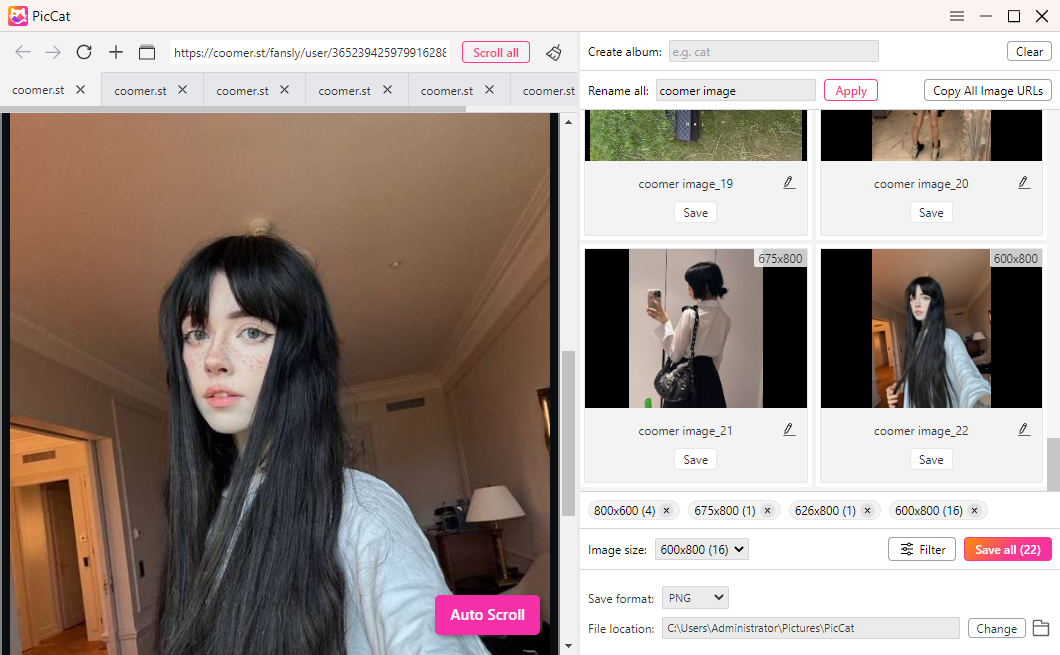
If you need to organize and download multiple images from webpages, PicCat is a useful desktop solution to consider. Instead of saving images individually, PicCat helps users detect, preview, filter, rename, and export multiple images in one workflow.
Key features of PicCat:
- Scan multiple webpage URLs and collect available images in one workflow.
- Preserve original image resolution and format whenever available.
- Filter detected images by resolution, dimensions, and file type.
- Apply customized filename patterns to organize downloaded collections.
- Handle JPG, JPEG, PNG, GIF, WebP, SVG, and other image formats.
- Copy all detected image URLs for later use or organization.
Steps to use PicCat to download whole Coomer album images:
- Download, install and run PicCat on your Windows or Mac computer.
- Collect the Coomer album URLs you want to download images from, then paste them into PicCat , let it scroll all pages and detect the available images.
- Preview the results and filter desired creator images by resolution or file type.
- Select the images you want, adjust their filenames if necessary, choose your output folder and export the images in bulk.
2. Right-Click to Save Coomer.st Album Images
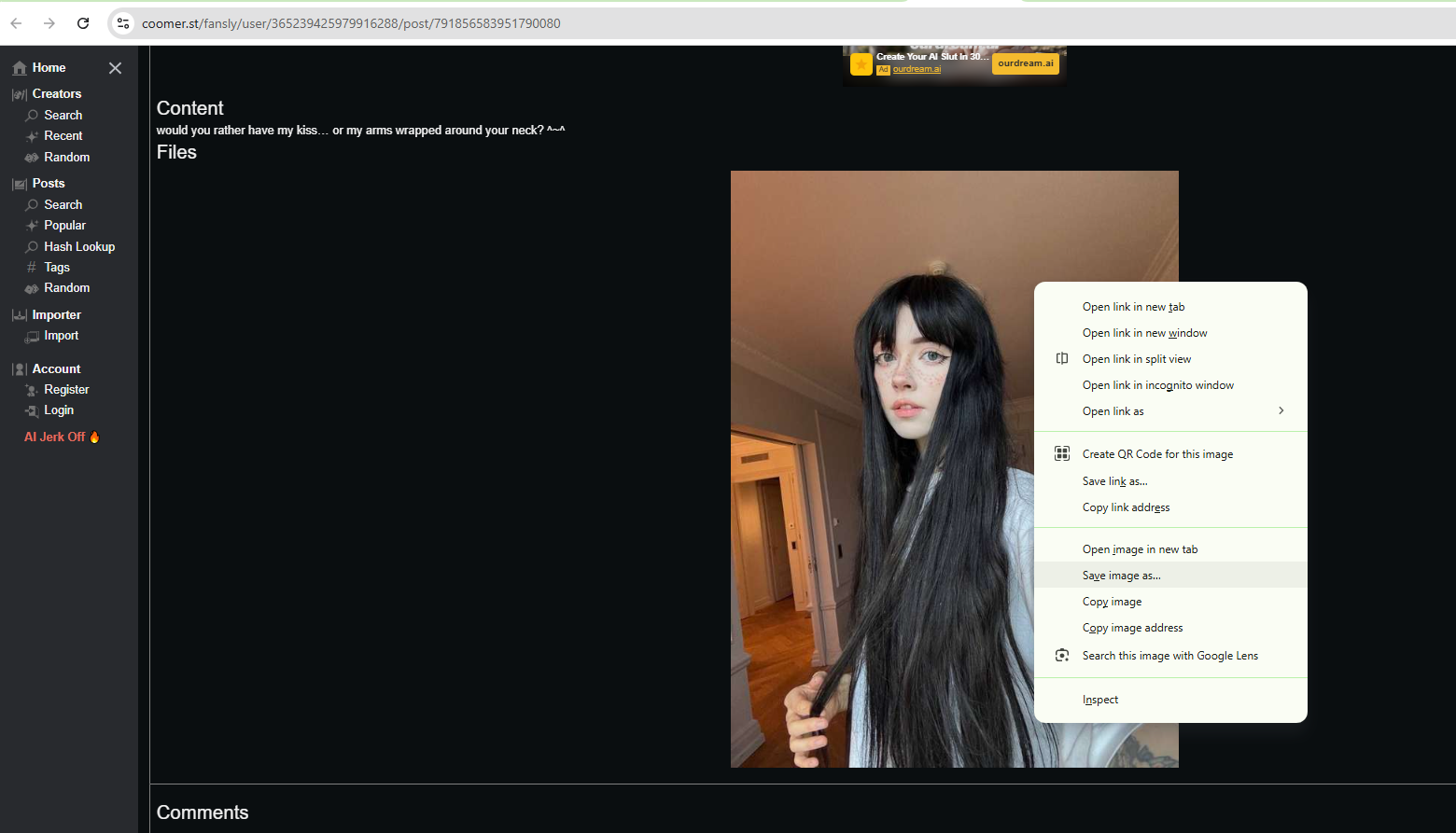
The simplest way to save an individual image is to use your browser’s built-in download function. This method doesn’t require installing additional software or extensions, making it convenient when you only need a few images.
However, it is not particularly efficient for large collections because each image must be saved separately. You may also need to open an image in its original size before saving it, depending on how the webpage displays its content.
Steps to save Coomer images using right-click:
- Open the Coomer webpage containing the album images you have permission to download.
- Locate the image you want to save, right-click the image and select Save Image As from the context menu.
- Repeat the process for other individual images in the Coomer album.
3. Best Coomer.st Online Image Downloaders
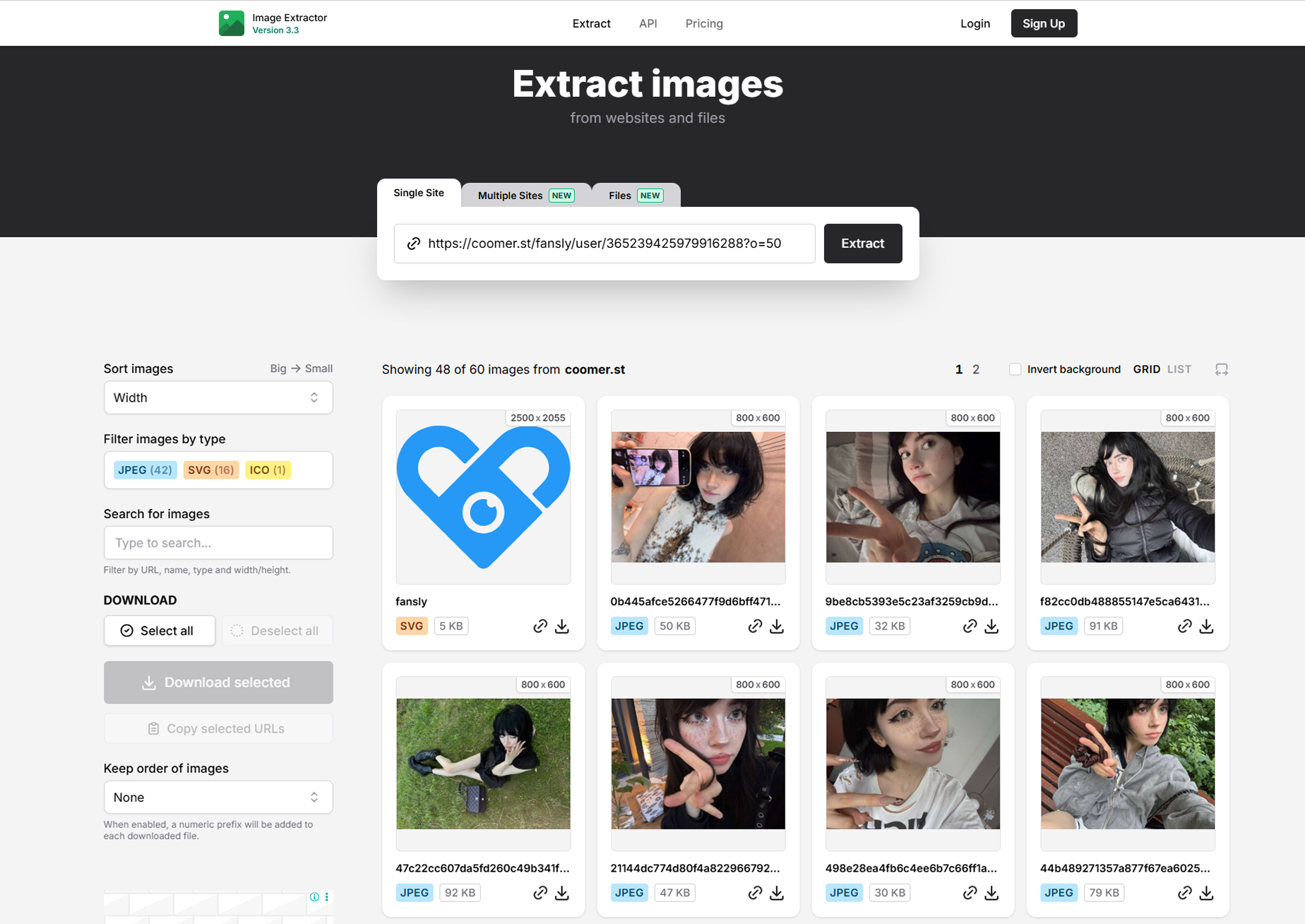
Online image downloaders provide another convenient option for saving images without installing desktop software. Most work directly in a web browser: users enter a supported webpage or image URL, let the service scan for available images, and select the files they want to save.
Some popular options include:
- OnlineImageSaver: An online image-saving service that can preview detected images and supports downloading individual images or available collections as a ZIP file.
- Extract.pics: A browser-based image extraction tool that scans supported webpage URLs and displays detected images for selection.
- ImgDownloader: An online image downloader designed to help users retrieve images from supported webpages and image links.
Steps to use an online image downloader to download Coomer album images:
- Choose and visit an online image downloader like Extract.pics.
- Copy the URL of a Coomer album page, then open the downloader website and paste the URL into its input box.
- Click to start extracting and wait for the service to display the available images.
- Preview the results, select the images you need, and download them individually or as a ZIP file if supported.
One advantage of online tools is that they work without requiring desktop installation. However, they may have limitations involving batch size, image detection, download speed, and website compatibility.
4. Best Coomer.st Image Downloader Extensions
Browser extensions offer a middle ground between manual saving and dedicated desktop software. Once installed, they can identify images displayed on supported webpages and provide a convenient interface for selecting and saving multiple files.
Here are some popular image downloader extensions worth considering:
- Imageye: Helps detect images on webpages and provides filtering options, including image dimensions and formats.
- Image Downloader: A straightforward extension that identifies available images and lets users select files for downloading.
- Fatkun Batch Download Image: Provides batch image selection and downloading features for supported webpages.
Steps to use an image downloader extension to download Coomer album images:
- Open your browser’s official extension store ans install an image downloader extension, such as Imageye or Fatkun.
- Open a Coomer webpage containing images you want to download, then click the extension icon to scan the currently accessible images.
- Preview the detected images and apply available filters.
- Select the creator images you need and click the download option.

Extensions are convenient because they integrate directly into your browser. Nevertheless, they may offer fewer file management and batch organization options than dedicated desktop applications.
5. Conclusion
There are several ways to save album images from Coomer webpages, including right-click saving, online image downloaders, browser extensions, and desktop software. Each method has its own advantages, but manual saving can become tedious when dealing with large collections, while online services and extensions may have website compatibility limitations.
If you regularly need to collect, filter, rename, and organize multiple images, PicCat is our recommended bulk image downloader. Its batch extraction, original-quality image support, filtering options, and one-click export features make managing large image collections more convenient. For users who want a more efficient desktop workflow, PicCat is worth trying.