Your Ultimate Batch Image Catcher
Catch, preview, filter, batch rename and export images in bulk.
Save much time with powerful image extraction and one-click saving.
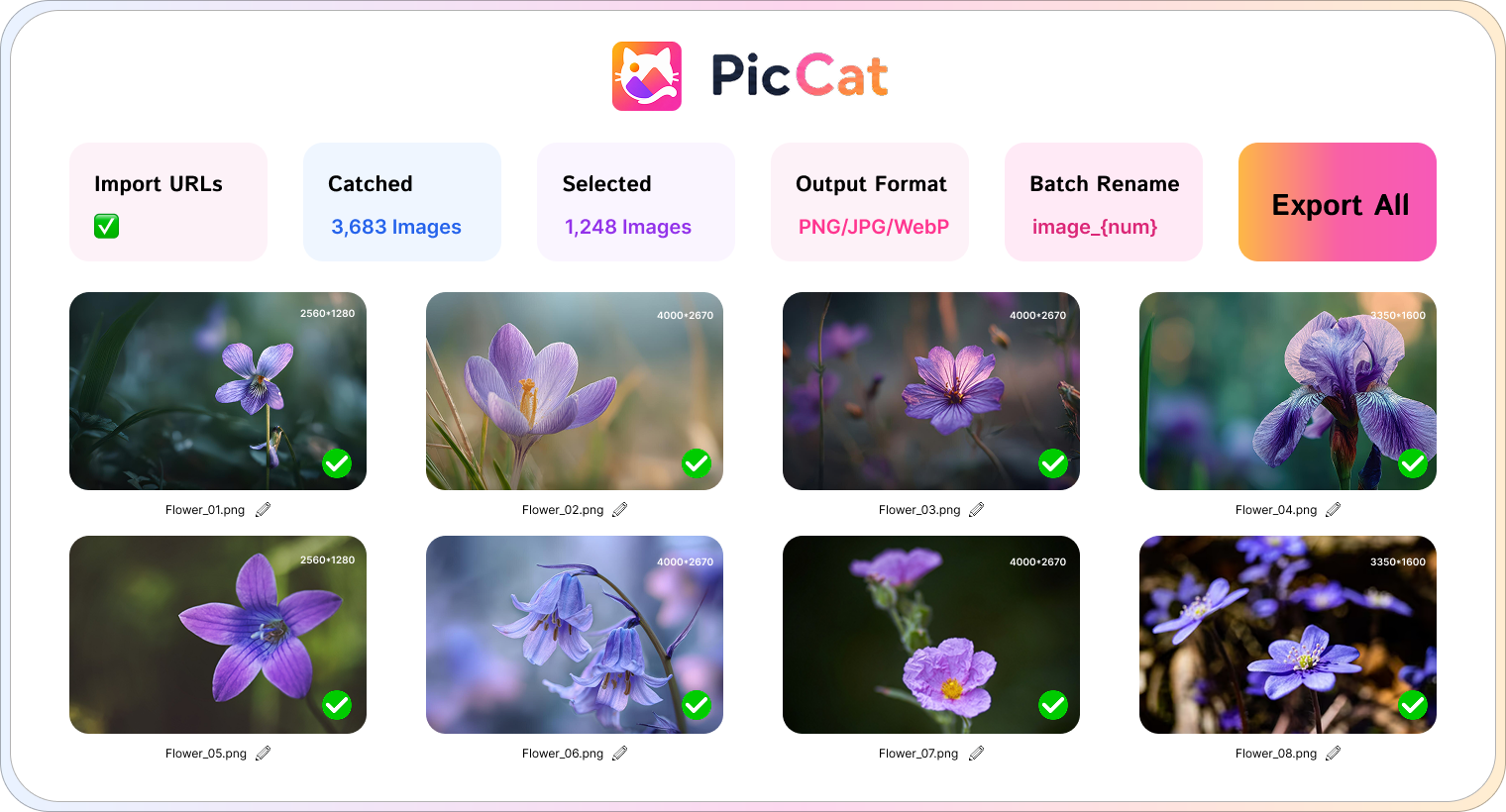
 Catch Images from Multiple URLs
Scan multiple pages simultaneously and collect images from entire galleries in one workflow.
 High-Quality Image Extraction
Extract images in their original resolution and format without compression or quality loss.
 Smart Image Filtering
Quickly find the images you need by filtering results based on resolutions and file types.
 Batch Rename Images
Organize downloads with powerful batch renaming rules and customizable filename patterns.
 Copy All Detected Image URLs
Instantly copy image source links for sharing, analysis, archiving, or use in other workflows.
 One-Click Export
Save selected images to your local device with a single click - fast, simple, and hassle-free.
Catch Images in 4 Easy Steps
From URL to download folder in just a few clicks.
Paste URLs
Add one or multiple webpage URLs into PicCat.
Scan Images
PicCat automatically discovers all available images.
Filter Results
Find the exact images by filtering results by format and size.
Export Images
Batch rename images and export them with one click.
Technical Specifications
| Supported Formats | JPG, PNG, WEBP, GIF, SVG and more image types |
| Output Formats | JPG, PNG, WEBP, GIF, SVG and more original types |
| Language Support | English, German, French, Spanish, Portuguese, Italian, Korean, Japanese, Chinese |
| Supported OS | Windows 11, 10 (64-bit) / macOS 10.13 or later |
| Memory (RAM) | 4 GB minimum (8 GB recommended) |
| Storage Space | 500 MB available disk space |
Frequently Asked Questions
Everything you need to know about PicCat.
Is PicCat free? ⌄
PicCat offers a free trial that allows you to explore its core features. A premium license unlocks unlimited image extraction and advanced downloading capabilities.
Can PicCat catch and export all images from a webpage? ⌄
Yes. Simply enter a webpage URL and PicCat will scan the page, discover available images, and allow you to download them individually or in bulk.
Does PicCat preserve original image quality? ⌄
Absolutely. PicCat downloads images in their original resolution and format whenever available, without applying compression or quality reduction.
What image formats does PicCat support? ⌄
PicCat supports most popular image formats, including JPG, JPEG, PNG, GIF, WEBP, SVG, BMP, and more.
Can I download images from multiple URLs at once? ⌄
Yes. PicCat supports batch processing, allowing you to scan multiple webpages and download images from all of them in a single workflow.
Can I filter images before downloading? ⌄
Yes. PicCat lets you filter discovered images by resolution and file type, so you can download only the images you need.
What should I do if I encounter a PicCat issue? ⌄
You can restart PicCat and try again. If the issue persists, please contact our support team for assistance.

Ready to Catch Images Faster?
Download PicCat today and start collecting images effortlessly.