Your Ultimate Bulk Video Catcher
Catch videos, playlists, and private content in up to 8K quality.
Export videos in MP4, MP3, MKV, MOV, AVI, and more.
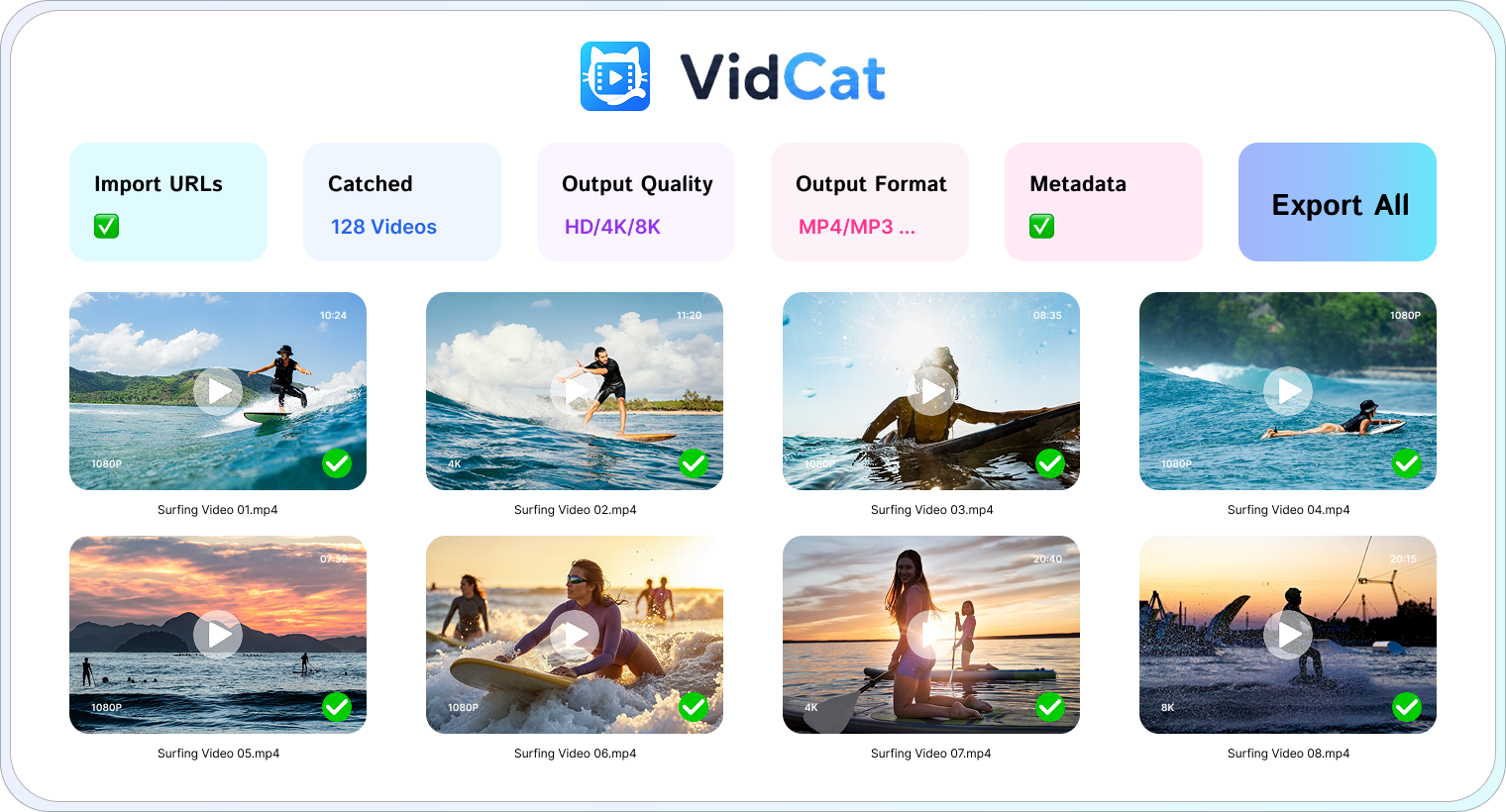
 Bulk Video Catching
Download multiple videos from URLs, saving time with efficient batch processing.
 Catch Playlist
Capture entire playlists and channels with a single click instead of manually downloads.


 Private & Embedded Videos
Catch private and embedded videos that you have permission to access and view.
 Subtitles & Metadata
Save subtitles, thumbnails, titles, and other metadata alongside your downloads.
Catch Videos in 4 Easy Steps
From URL to download folder in just a few clicks.
Select Format & Quality
Choose preferred video/audio format and output quality.
Paste Video URLs
Add one or multiple video, playlist, or channel URLs to VidCat.
Analyze & Detect Videos
VidCat scans the URLs and add the videos in the download list.
Export Videos
VidCat will save all selected videos to your device.
Technical Specifications
| Output Type | Video/Audio |
| Output Quality | Up to 8K UHD |
| Output Formats | MP4, MOV, MKV, AVI, MP3, and more |
| Language Support | English, German, French, Spanish, Portuguese, Italian, Korean, Japanese, Chinese |
| Supported OS | Windows 11, 10 (64-bit) / macOS 10.13 or later |
| Memory (RAM) | 4 GB minimum (8 GB recommended) |
| Storage Space | 500 MB available disk space |
Frequently Asked Questions
Everything you need to know about VidCat.
Is there a free version of VidCat? ⌄
Yes. VidCat offers a free trial that allows you to explore its features before upgrading to a premium license.
Which websites does VidCat support? ⌄
VidCat supports a wide range of video-sharing, streaming, social media, and educational websites.
Can I get videos in 4K or 8K quality? ⌄
Yes. VidCat preserves the highest quality available, including HD, 4K, and up to 8K resolutions when supported by the source website.
Which output formats are supported? ⌄
VidCat can export videos and audio in popular formats including MP4, MOV, MKV, AVI, MP3, and more.
Is there a limit on the number of downloads? ⌄
No. Licensed users can download as many videos as they need without daily or monthly limits.
Can I pause and resume downloads? ⌄
Yes. VidCat supports download queue management, including pause and resume functionality.
What should I do if a video cannot be catched? ⌄
Try refreshing the webpage and restarting VidCat. If the issue persists, contact our support team for assistance.

Ready to Catch Videos Faster?
Download VidCat today and start collecting videos effortlessly.