Best Tools for JustForFans Downloading Videos and Images

Saving videos and images from JustForFans can be useful when you want to keep content you have legitimately accessed for personal offline viewing. However, the platform may not always provide a straightforward way to save every type of media, and manually downloading files one by one can quickly become inconvenient.
In this guide, we’ll explore some of the best tools for downloading JustForFans videos and images, introduce their key features and basic steps for using them. Whether you need to save a single file or manage multiple pieces of content you’re authorized to download, these options can help make the process more efficient.
1. Best Tool for Downloading JustForFans Videos – VidCat
If you frequently save videos from JustForFans that you have permission to download, VidCat can be a convenient option to consider. VidCat can be especially useful when you need to handle multiple videos. Instead of repeating the same manual process for every file, you can use the downloader to streamline the workflow and keep your saved videos organized.
Key features of VidCat:
- Support 10,000 websites, including JustForFans.
- Download multiple videos from URLs in one batch.
- Support HD, 4K, and up to 8K when available from the source.
- Export videos in MP4, MOV, MKV, AVI, MP3, and more.
- Support private and embedded videos that you have permission to access.
- Can save subtitles, thumbnails, titles, and other metadata.
Steps using VidCat to download JustForFans videos in bulk:
- Install and launch VidCat on your computer (Windows or Mac); Launch the software to select the available video and choose your preferred download settings, if applicable.
- Open JustForFans with VidCat’s browser and sign in to your account; Navigate to the video tab you are authorized to download, choose and play a video.
- VidCat will detect all available videos, next you can click the download button to start the process and wait for it to complete.

2. Best Tool for Downloading JustForFans Images – PicCat
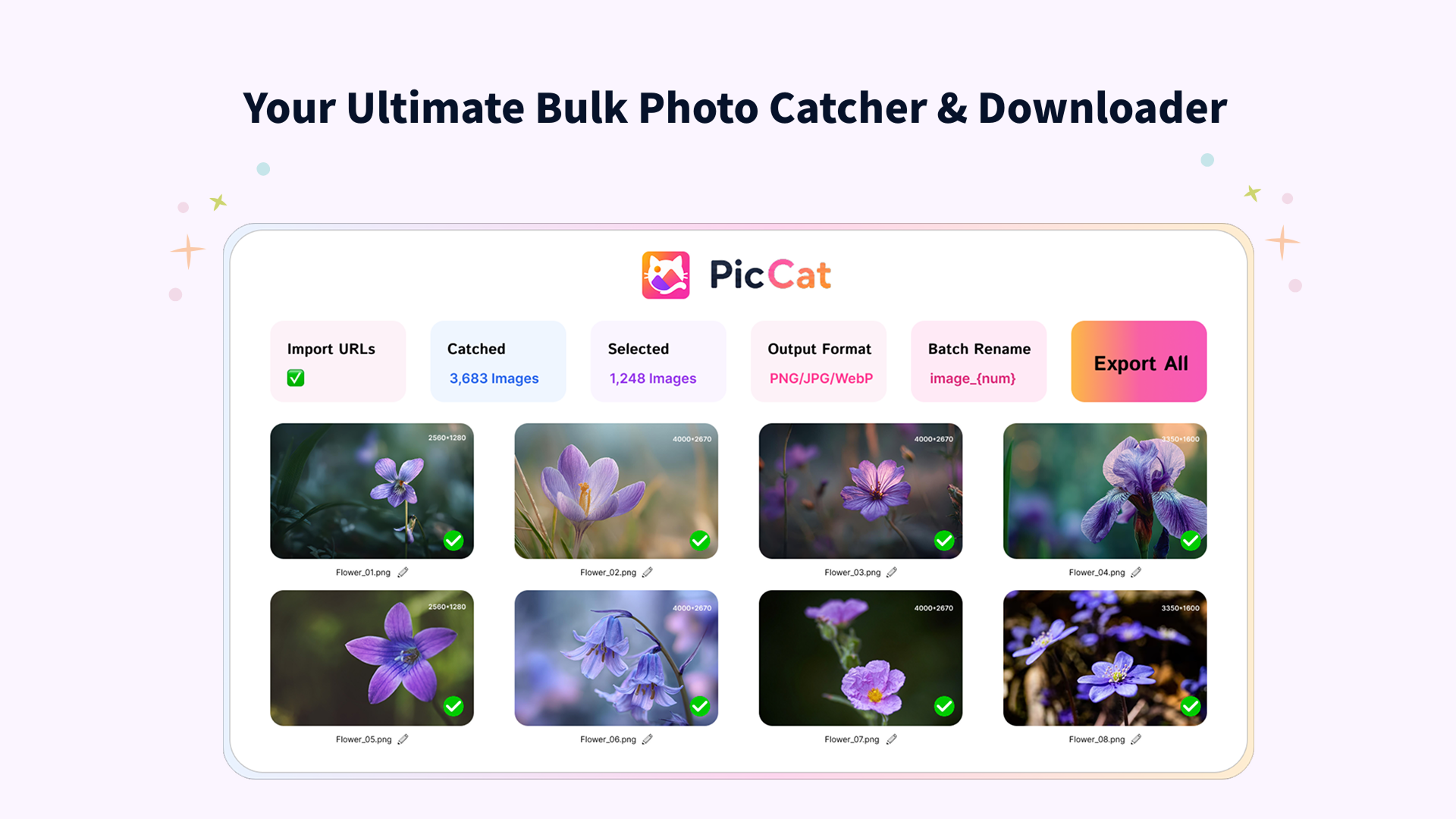
For users who want to save multiple images from JustForFans that they are authorized to download, PicCat offers a convenient, image-focused solution. Instead of saving pictures individually through the browser, PicCat is designed to simplify the process of finding and downloading multiple images from supported webpages.
Key features of PicCat:
- Download images from webpages and image URLs in batches.
- Extract images in their available original quality.
- Filter images by format and file size.
- Rename downloaded files using customizable naming rules.
- Copy and export image URLs with one click.
- Support JPG, PNG, GIF, WebP, SVG, and more.
Steps using PicCat to download JustForFans images in bulk:
- Download and install PicCat, then launch the application.
- Open the JustForFans page containing the images you have permission to save within PicCat.
- Scroll the page and let PicCat scan the page and display the available images.
- Select the images you want to download and choose your preferred saving options.
- Start the download and check the selected destination folder once the process is complete.
3. More Tools for JustForFans Downloading Videos and Images
Dedicated downloaders aren’t the only option. Browser extensions can also help users save online media when the content is available for download and the extension supports the way it is delivered.
3.1 JustForFans Video Downloader Extensions
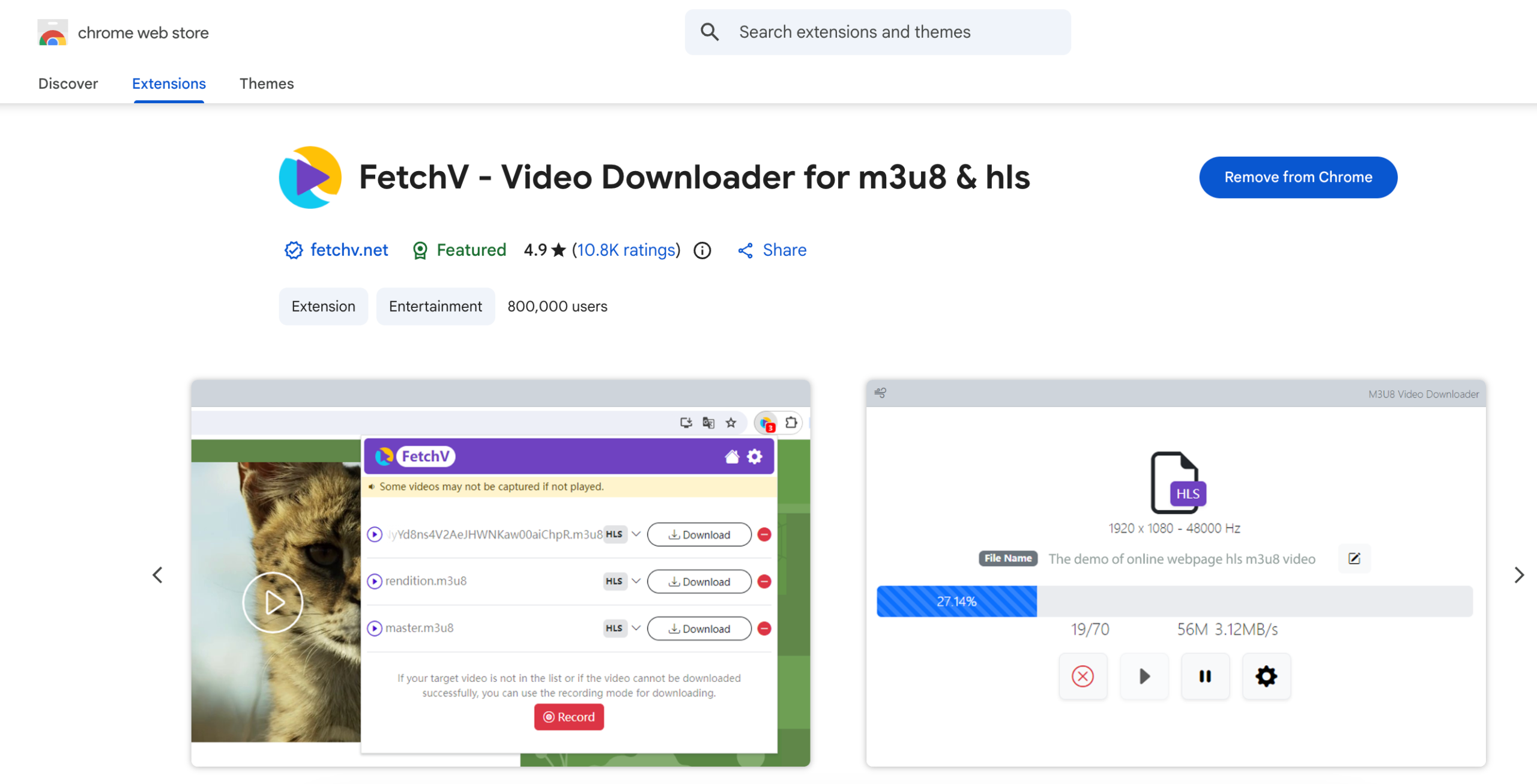
Video downloader extensions are browser add-ons that can detect certain video resources loaded on a webpage. Popular general-purpose choices include extensions such as Video DownloadHelper, FetchV, and other reputable video-downloading extensions available through official browser extension stores.
However, extension compatibility can vary. Some websites use streaming technologies or dynamically generated media URLs that extensions cannot easily detect.
Steps:
- Install a reputable video downloader extension like FetchV from your browser’s official extension marketplace.
- Log in to JustForFans and open the video you are authorized to save.
- Play or load the video, then click the extension icon in your browser toolbar.
- Review any detected JustForFans video files, select the appropriate download option and save the file to your preferred folder.
3.2 JustForFans Image Downloader Extensions
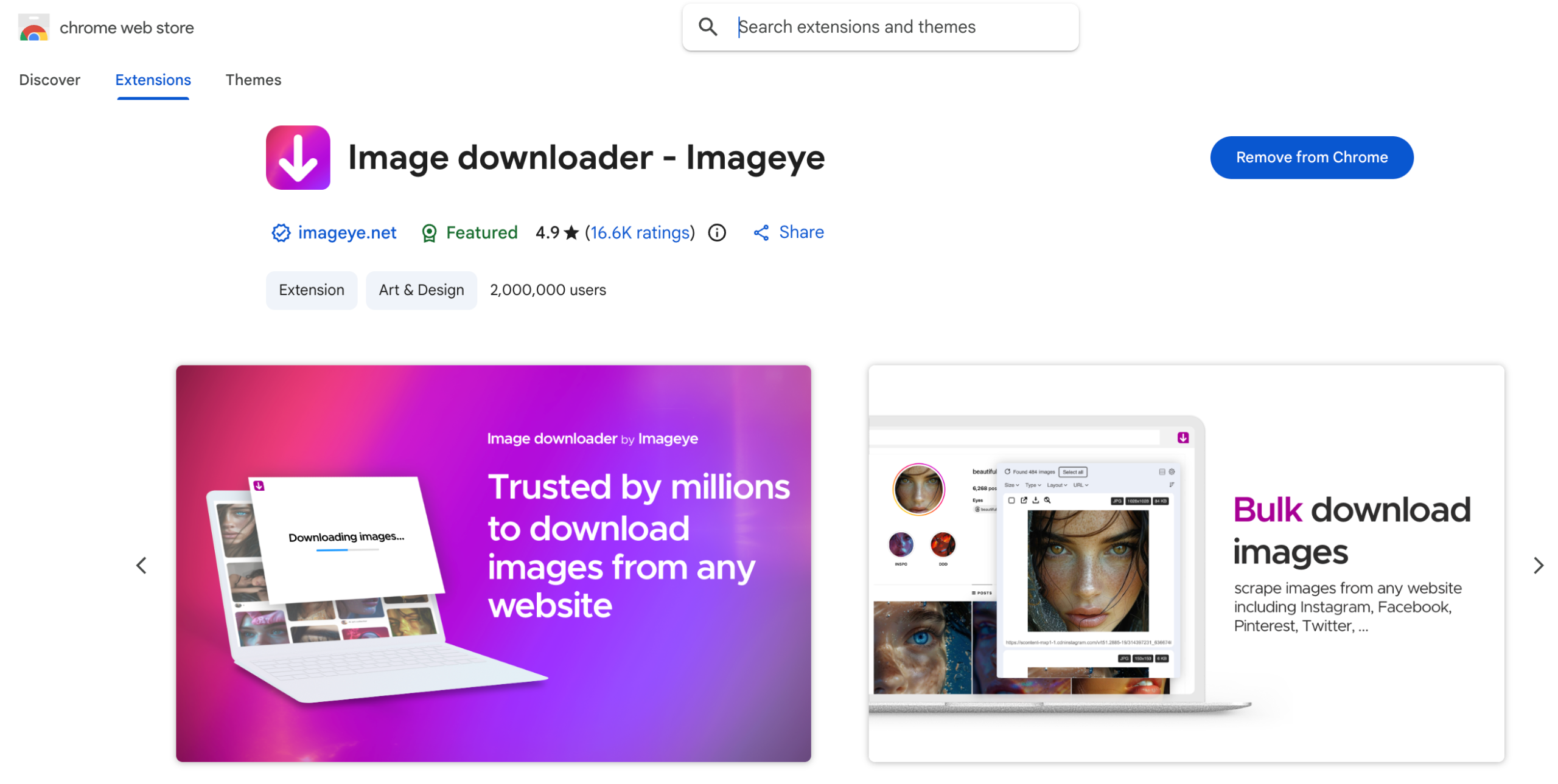
Image downloader extensions are another popular option. They can scan a webpage for images and display the detected files, allowing users to select which ones they want to save.
Popular choices include general image-downloading extensions such as Imageye Image Downloader and Fatkun Batch Download Image. Availability and compatibility can change, so it is best to obtain extensions through the official marketplace for your browser.
Steps:
- Install a reputable image downloader extension like Imageye.
- Open the JustForFans page containing images you are authorized to save.
- Allow the page to load completely and then click the image downloader extension.
- Review the detected images and filter out thumbnails or unrelated page graphics.
- Select the images you want and use the extension’s download option.
4. Conclusion
Choosing the right tool can make downloading authorized JustForFans videos and images much easier. While browser extensions offer a convenient option for occasional downloads, dedicated tools can provide a more efficient workflow when you need to handle multiple files.
For JustForFans videos, VidCat is our recommended choice thanks to its bulk downloading capabilities, support for high-quality video, multiple formats, and convenient download management. For JustForFans images, PicCat is a strong option with features such as bulk image downloading, quality preservation, filtering, and batch file management.