How to Record and Download Chaturbate Cam Videos?

Chaturbate is a popular live-streaming platform where users can watch live webcam broadcasts and interact with performers in real time. However, live broadcasts are not always available for replay after a session ends. If you want to revisit a broadcast later, you may wonder how to record or download Chaturbate cam videos for offline viewing.
In this guide, we’ll introduce the most effective ways to download Chaturbate cam videos, compare their advantages and disadvantages to help you choose an appropriate solution.
1. The Most Effective Way to Download Chaturbate Cam Videos – Using VidCat
VidCat is a desktop video downloader designed to help users save online videos from supported websites. Instead of recording an entire broadcast in real time, users can use its supported download functionality to retrieve available video content directly.
Key feaetures of VidCat:
- Support downloads from over 10,000 websites and online platforms.
- Download multiple video/audio files, live streams, and playlists simultaneously.
- Export media in popular formats, including MP4, MKV, and MP3.
- Preserve the best available video quality offered by the source.
- Search for, preview, and identify downloadable media without leaving the application.
Steps to Download Supported Chaturbate Videos with VidCat:
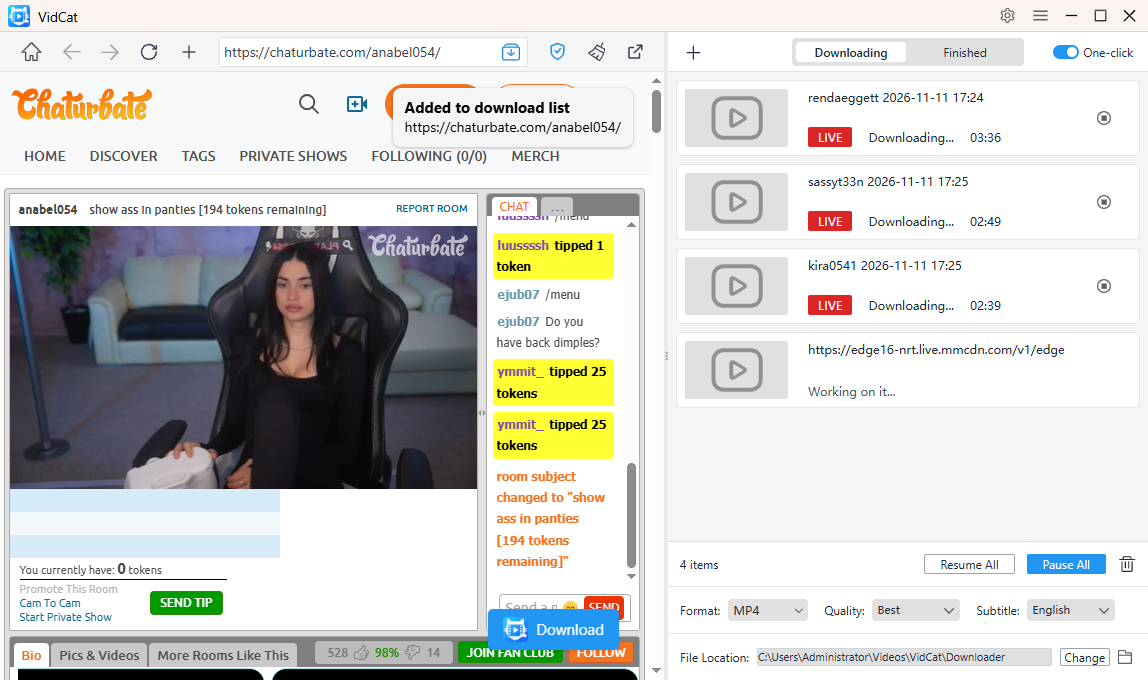
- Download the VidCat desktop application, complete the installation on your computer, then open the software and select the available format or quality.
- Open the Chaturbate page containing the live cam you want to save in VidCat’s built-in browser. Start playing the live stream, then click the download button when the media is detected.
- Alternatively, collect the URLs of the Chaturbate live videos, paste them into VidCat, and start the download process.
- Track the download progress within VidCat. Once completed, find your saved cam videos in the Finished folder.
2. More Solutions to Record Chaturbate Cam Videos
2.1 Using Screen Recorder Software
Desktop screen recording software is a flexible option for capturing authorized on-screen content. Programs such as OBS Studio and Swyshare Recordit provide recording controls and customization options.
Steps:
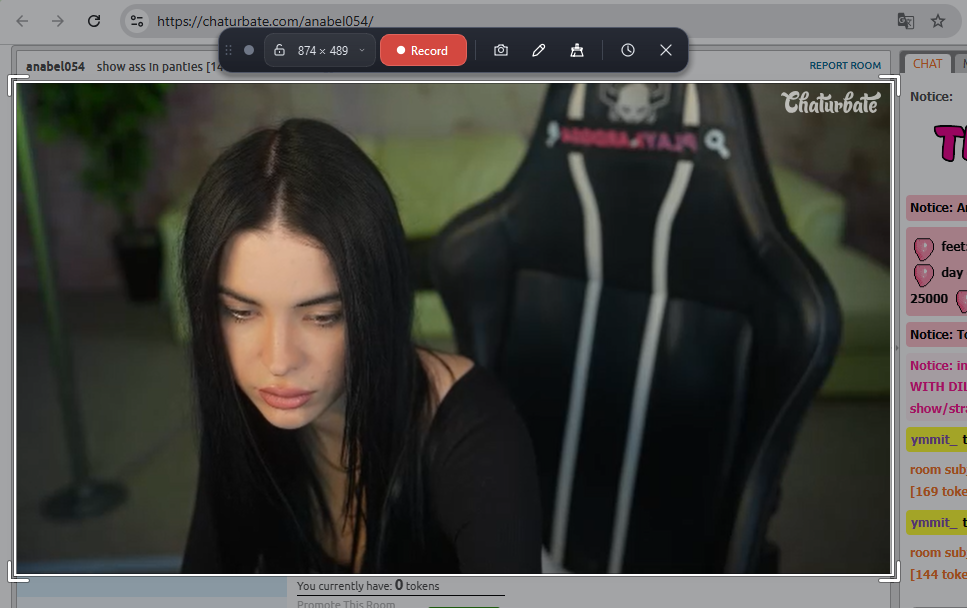
- Download and install a screen recording application like Recordit.
- Open the application and select the appropriate Chaturbate live cam region, then configure the recording resolution, frame rate, and audio sources.
- Start recording the live content you own or are authorized to capture, then stop the recording and save the resulting video to your computer.
Advantages:
- Flexible recording settings and capture areas.
- Control over resolution, frame rate, and audio.
- Suitable for longer recording sessions.
- Files can be saved locally for later editing.
Disadvantages:
- Requires installation and initial configuration.
- Recording in real time takes as long as the content itself.
- Long recordings may consume considerable storage.
- Performance depends on computer hardware.
2.2 Using Chaturbate Recorder GitHub Projects
GitHub is another place where developers publish open-source video recording and streaming utilities. Searching for terms such as “Chaturbate recorder” or “live stream recorder” may reveal community-developed projects.
Steps:
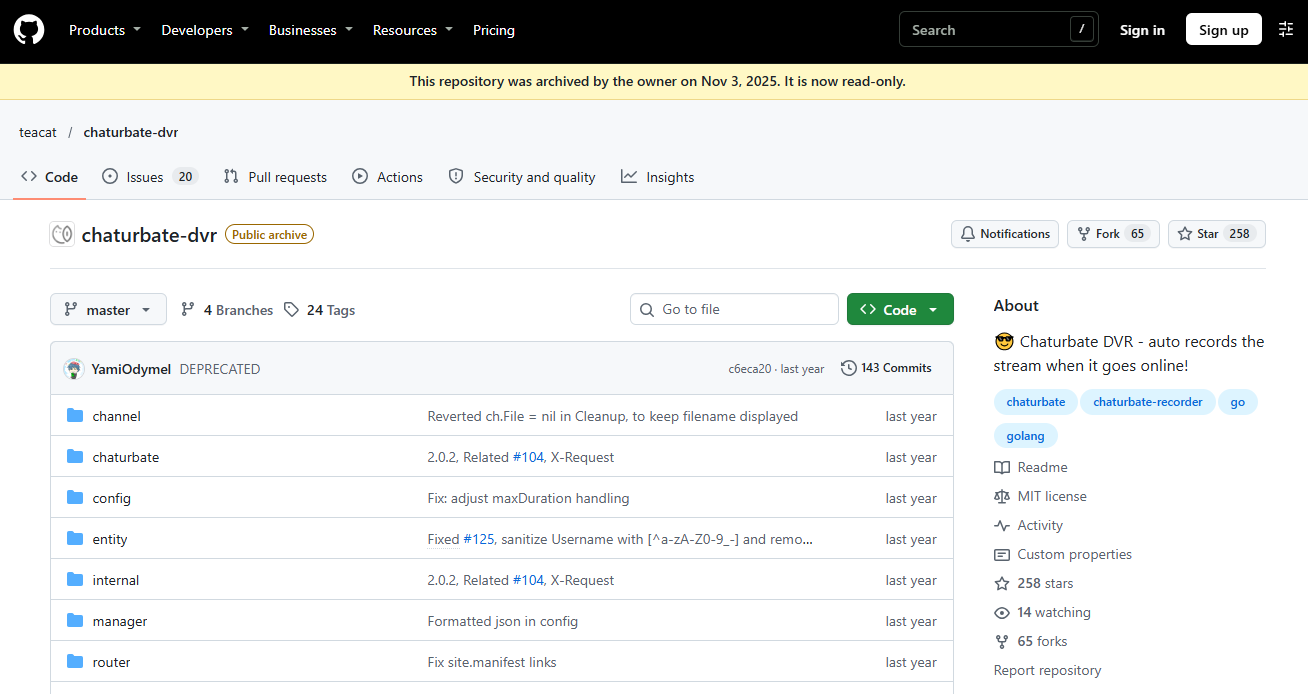
- Visit GitHub and search for a general-purpose screen recording project like Chaturbate DVR.
- Review the repository, compatibility, updates, and source code before installation, then start recording the Chaturbate cam video.
Advantages:
- Some projects are free and open source.
- Source code can be inspected.
- Developers may customize features for specific workflows.
Disadvantages:
- Some repositories are outdated or no longer maintained.
- Installation may require technical knowledge.
- Security and reliability vary between projects.
2.3 Using Online Screen Recorders
Online screen recorders allow users to capture screen activity directly through a web browser without installing a full desktop application. They are convenient for occasional recordings and users who prefer a simpler workflow.
Popular options include:
- VEED
- ScreenApp
- Apowersoft Free Online Screen Recorder
Steps:
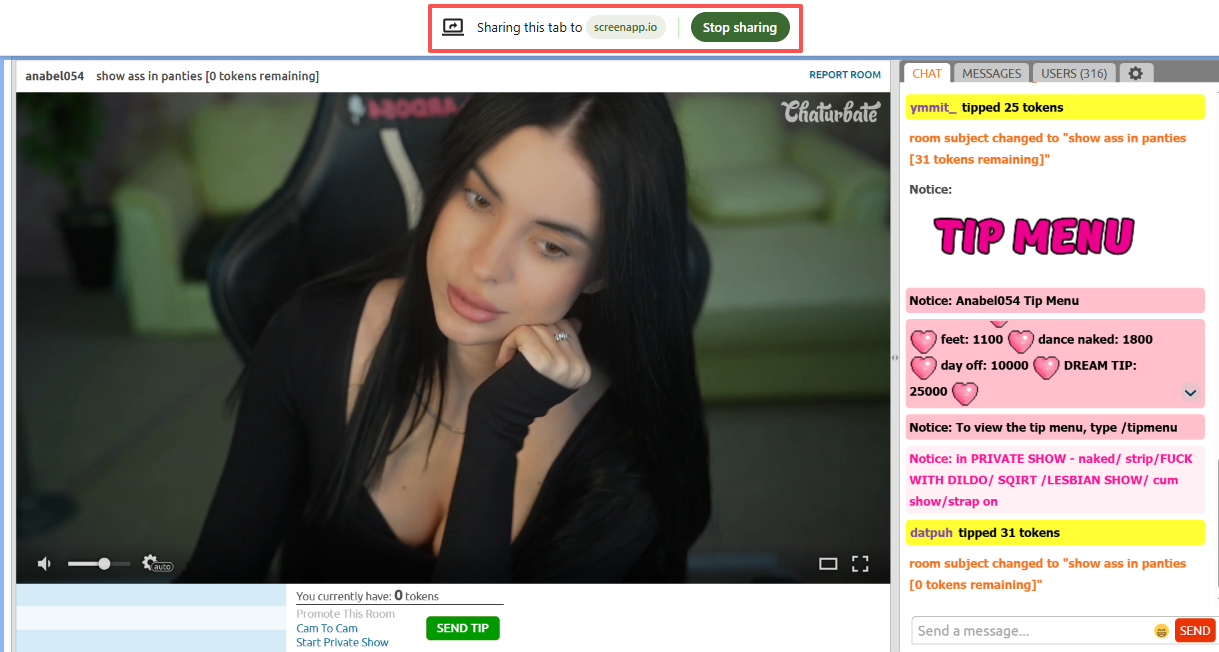
- Visit the online recorder’s official website like ScreenApp Free Online Screen Recorder.
- Open its screen recording feature, select the Chaturbate tab you wan to capture, then configure microphone and system audio settings.
- Start recording and stop when finished.
- Preview and export the recording if the service supports local downloads.
Advantages:
- No need to install traditional desktop software.
- Easy to access through a browser.
- Suitable for short recording tasks.
- Some services include basic editing features.
Disadvantages:
- Internet connectivity may affect performance.
- Free plans may impose recording limits or watermarks.
- Some services require account registration.
- Export options and recording quality vary.
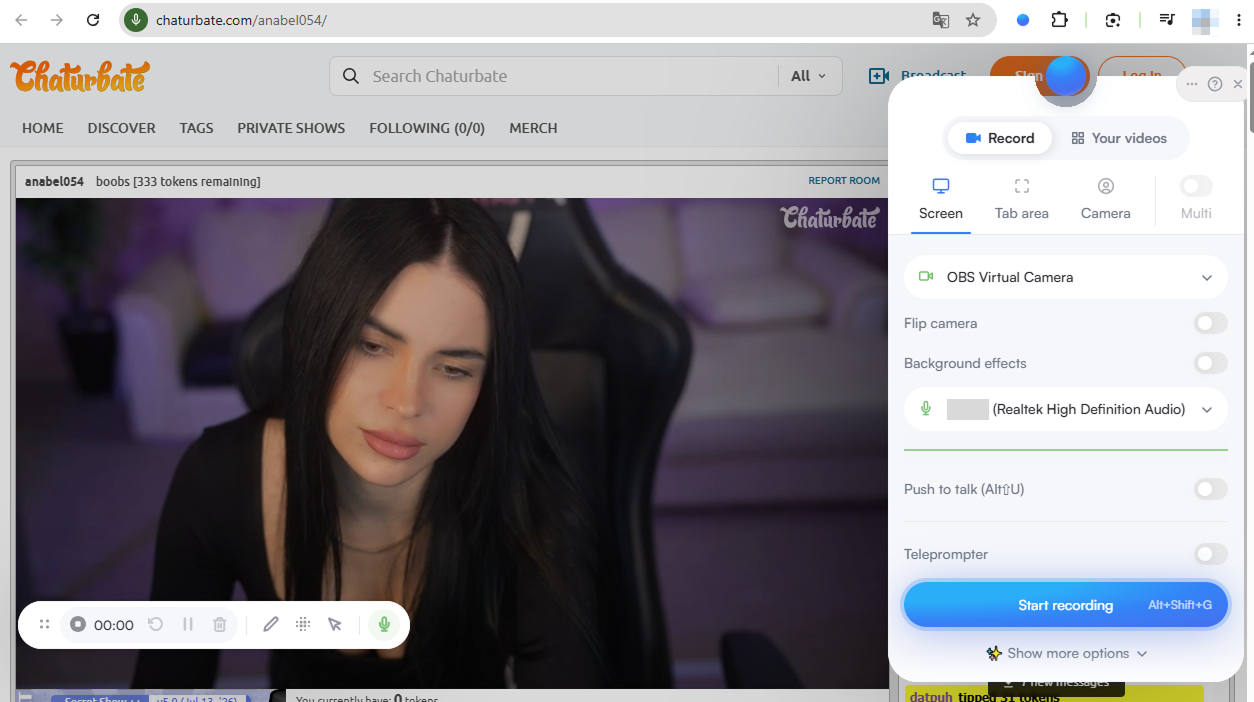
2.4 Using Screen Recorder Extensions
Browser extensions provide another convenient way to record authorized browser activity. They can be useful for capturing tutorials, demonstrations, and other permitted on-screen content.
Some popular choices include:
- Loom
- Screenity
- Nimbus Capture
General steps:
- Install the extension like Screenity, open its recording interface to choose the Chaturbate tab and configure audio settings.
- Record Chaturbate screen content and stop when finished.
- Export or save the recording using the extension’s available options.
Advantages:
- Quick access from the browser toolbar.
- Generally easy to use.
- No need to switch between multiple applications.
- Useful for short screen recordings.
Disadvantages:
- Recording quality and features vary.
- Some extensions require paid subscriptions.
- Browser performance may be affected.
- Long recordings may be less convenient to manage.
3. Conclusion
There are several technologies for downloading and recording online videos, including desktop downloaders, screen recording software, GitHub projects, online recorders, and browser extensions. Each method has different advantages depending on the recording environment, technical requirements, and available media.
For managing and downloading supported online videos and lives, VidCat is a convenient desktop solution worth considering. Its supported-site detection, batch processing, video conversion, and download management features make it useful for organizing online video downloads without relying entirely on real-time screen recording.
If you need a straightforward way to manage supported video files, give VidCat a try.