The Full List of Private Video Downloaders

Private videos are videos that are restricted from public access and can only be viewed by authorized users. These videos are commonly found on membership platforms, educational websites, online communities, cloud storage services, and social media platforms with privacy controls. While private videos offer enhanced security and exclusivity, users often want to save them for offline viewing, archiving, backup purposes, or personal reference.
Downloading private videos can be challenging because many websites use encryption, authentication systems, streaming protocols, and access restrictions to prevent direct downloads. Fortunately, several tools are designed to help users save videos they are authorized to access, now let’s explore the best private video downloaders available today.
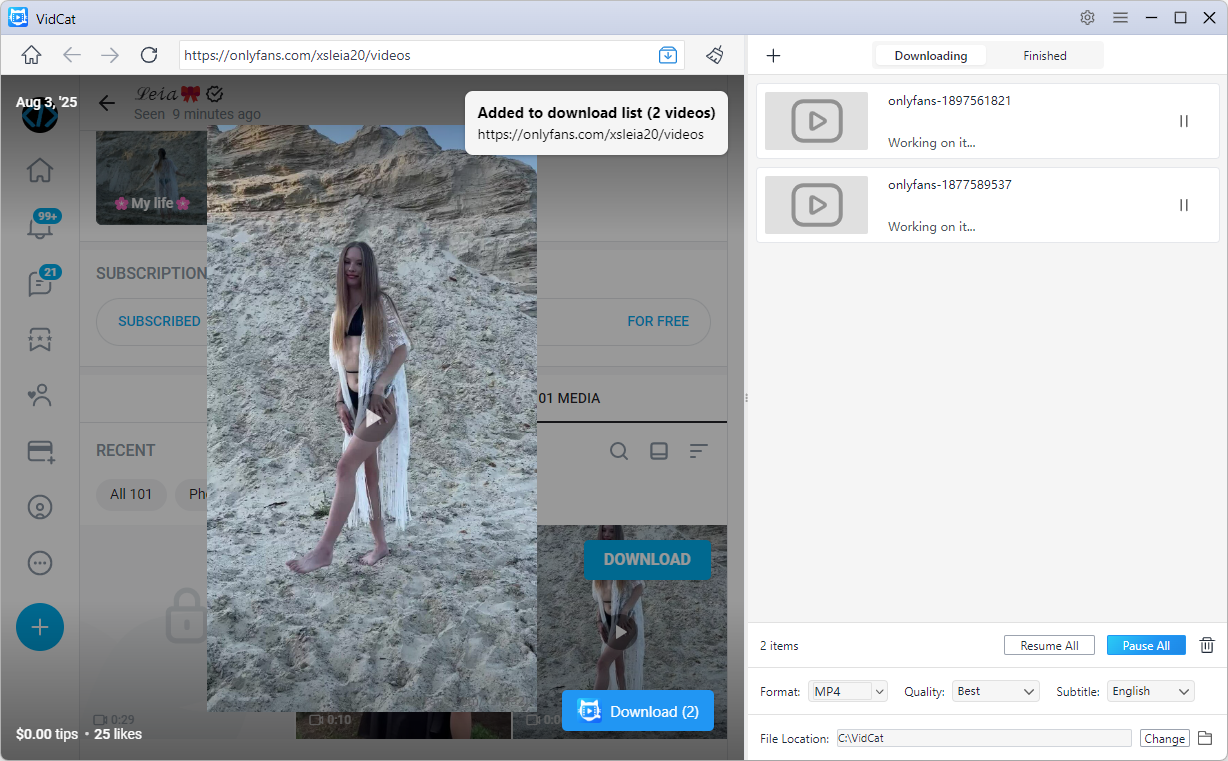
1. Best Private Video Downloader on PC – VidCat
When it comes to downloading private videos on Windows and macOS, VidCat stands out as one of the most powerful and user-friendly solutions.
Unlike basic downloaders that only work with public video links, VidCat is designed to detect and capture video streams directly from supported websites. It can handle many types of protected and private video content that users can legally access through their accounts.
Key Features of VidCat:
- Built-in browser to access private and embedded video
- Batch download multiple videos simultaneously from 10,000 sites
- Download entire playlists and channels
- Support HD, Full HD, 4K, and even 8K downloads
- Export videos in popular video and audio formats like MP4 or MP3
How to Download Private Videos with VidCat:
- Download, install and launch VidCat bulk video catcher on your device.
- Log into the website hosting the private video using VidCat’s built-in browser.
- Navigate to the video page, play the video and let VidCat detect the stream.
- Select the desired resolution and format, then click Download to save the video.
2. Best Online Private Video Downloaders
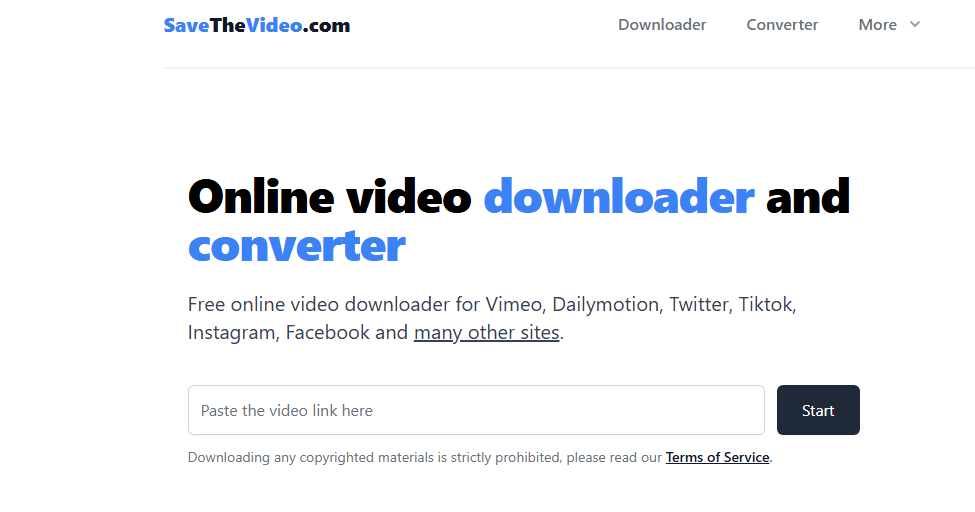
Online downloaders are convenient because they don’t require software installation. While most online tools work better with public videos, some can handle certain private or semi-private video links.
- SaveTheVideo: SaveTheVideo supports downloading videos from many popular platforms. Users simply paste a video URL into the website and choose a preferred format.
- TubeOffline: TubeOffline has been around for years and supports downloading videos from hundreds of websites.
- KeepVid Online Downloader: KeepVid offers a straightforward online video downloading experience.
- Video DownloadHelper Online Services: Some online services associated with Video DownloadHelper can assist in processing downloadable video links.
Online Downloader Limitations
Most online private video downloaders struggle with:
- Login-required content
- DRM-protected videos
- Encrypted streaming protocols
- Membership-only websites
3. Best Private Video Downloader Extensions
Browser extensions are popular because they integrate directly into Chrome, Edge, Firefox, and other browsers.
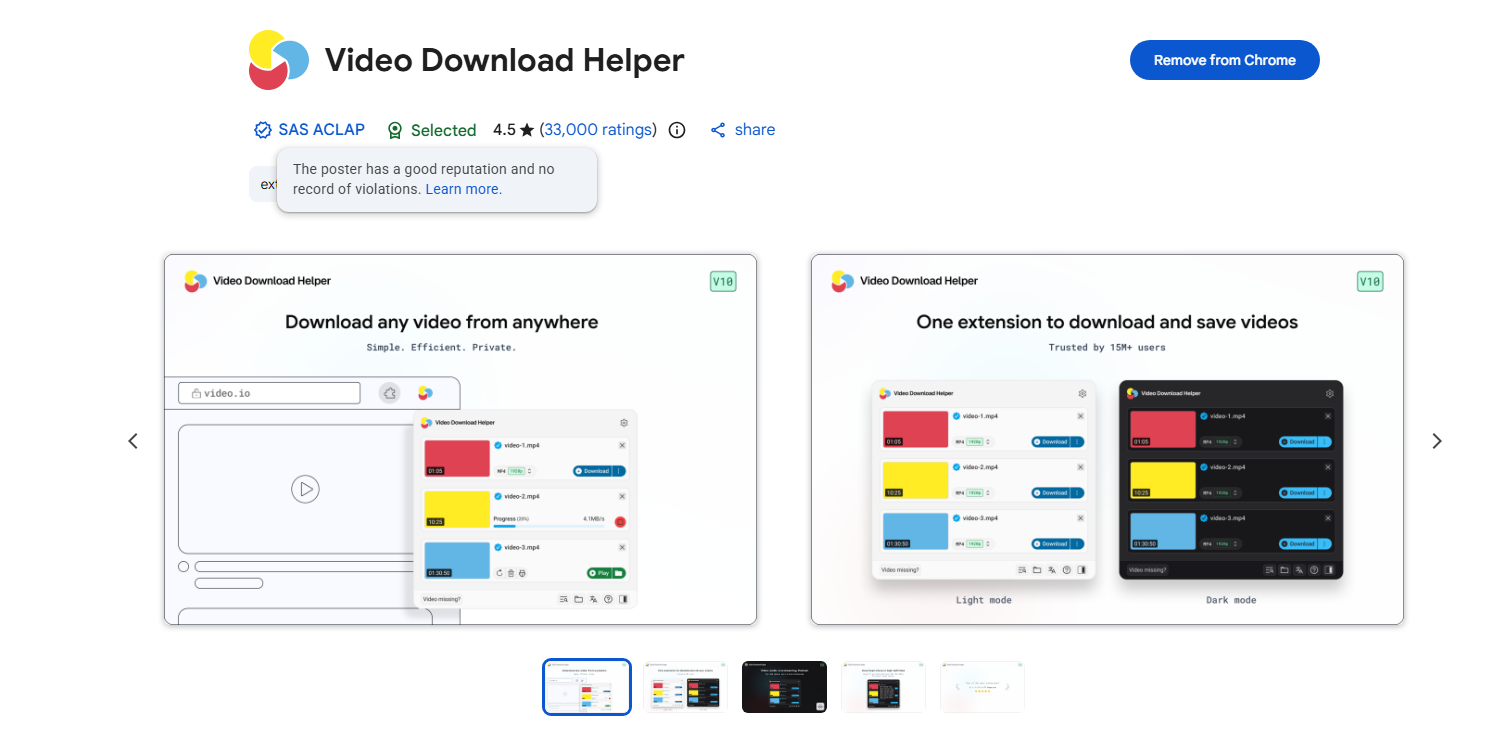
- Video DownloadHelper: Video DownloadHelper is one of the most widely used video downloading extensions available.
- FetchV: FetchV specializes in detecting video streams from various websites.
- Stream Recorder: Stream Recorder focuses on capturing HLS streams and M3U8 videos.
- CocoCut Video Downloader: CocoCut is another popular browser extension for downloading online videos.
Private Video Downloader Extension Limitations:
- Often fails with login-required or membership-only content.
- Limited support for some streaming formats and websites.
- Website updates can break extension functionality.
- Usually lacks batch download features.
- Can pose privacy and security risks if poorly maintained.
4. Best Private Video Downloaders on Mobile
Many users prefer downloading private videos directly to their smartphones or tablets. Here are some of the best options available.
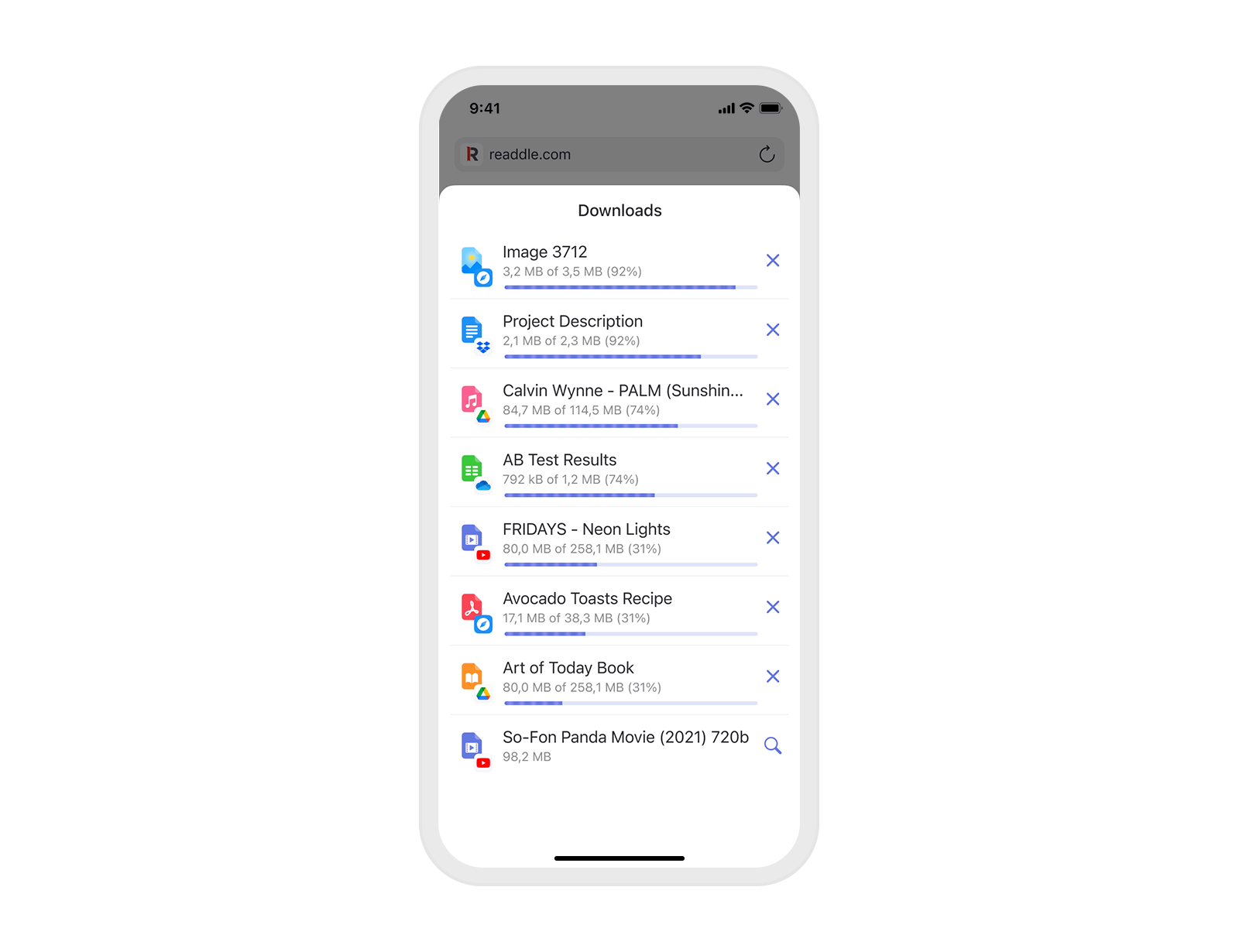
- Documents by Readdle (iOS): Documents by Readdle combines a file manager with a built-in browser.
- 1DM (Android): 1DM is one of the most powerful download managers available for Android devices.
- Seal (Android): Seal is a modern Android downloader built around powerful download engines.
Mobile Downloader Limitations
Compared with desktop solutions, mobile apps may have:
- Fewer website compatibility options
- Limited batch downloading
- Restrictions imposed by mobile operating systems
- Lower success rates with complex private streams
5. Conclusion
Private video downloading often requires more advanced tools than standard public video downloads. While online downloaders and browser extensions can handle certain videos, they frequently struggle with login-protected content, encrypted streams, and membership-based platforms.
For users who need the most reliable solution, VidCat is the best private video downloader on PC. Its built-in browser, stream detection technology, batch downloading capabilities, and support for high-resolution videos make it an excellent choice for saving private videos you are authorized to access.